

31·
8 months agothe point and strength of notepad was that it opened immediately, no bullshit, you can write text and that’s all.
I suspect that’s not the case anymore.

uwu owo etc., you know…
the point and strength of notepad was that it opened immediately, no bullshit, you can write text and that’s all.
I suspect that’s not the case anymore.
Why would they not include these into base kit Windows is beyond me.
Some of them felt a bit buggy when I last time used Windows, maybe they aren’t fully ready to ship (like Samsung’s Good Lock apps?). And most features didn’t do quite what I imagined it to do, but that’s probably a “me problem”.
back in the XP days, I used a software called “Unlocker” just for this problem. It probably still exists, I don’t know, because since Windows 7, the easiest way to find out what process locks a file is to open Resource Monitor (Start search: resmon) and on the CPU tab, using the “Associated handles” list, you can search for the file name and see the process in question (and kill it).
So yeah, Resource Monitor is a useful tool on Windows.

to me it’s more like post Enterprise that I just can’t get into anymore. Time to time I try again though, hoping one day I will magically start to like them.
I went to check it and… believe it or not, but it works now. With Joy Cons and with the 8bitdo controller as well. So I have no idea what did went wrong this morning. I was doing it multiple times, from world 3 and 4 and nothing. Weird!
Thanks!
save states
If it really doesn’t work here (which really would be strange), then yeah, that’s what I’m gonna use. Using it already.
It would be just nice, to have the “built-in” way of save states of some kind. It’s half-way cheating that way, since they put this feature inside the game and not the system you run on it.
And also, as you mentioned it too, using save states also saves the extra life counts. So soon enough, probably there will be a save where I don’t have any lifes and every death would mean game over.
Minor things. But yeah. Will try the A + START thing with Joy Cons, and if that won’t work either, I just use save states and maybe save at each world.
My smile would be more natural, if I could finish the game (for the first time, from the beginning to the end) the intended way, and I think using A + START is still fine.
I haven’t checked with the Joy Cons, but will do later the day, thanks for the input.
Even if that brings you back to the beginning of the world, it’s still a big help :)

Ah, alright. That’s pretty shitty.
Though it’s still not the wisest to use these open wifi networks. Their firewall did a favor tor you IMO. 😄
I mean, you run your own firewall (that’s what I got from the title) amongst I assume other privacy controlling measures (tho it’s really just an assumption) and also wanna use a public network of a goddamn shopping center…
are you really surprised?

With Termux on Android, it’s possible to install Debian in a proot environment.
More about this here: https://github.com/termux/proot-distro
I guess using this envirinment, it’s possible to set up your server to your needs.
One thing I don’t know is how to autostart Termux at boot, but there must be a way, “worst-case” a Tasker routine can do it. Also, another thing to considerate with this setup is Android’s memory management and to detect if your proot distro gets killed. But then again, maybe Tasker is good for that, too.
Good thing with this proot-distro thing is that it’s really easy and straightforward to set up, and basically you have a full Linux environment in your pocket. There are limitations, of course.
As for installing/flashing full Debian on an Android phone, let’s say it’s not possible. Your closest best bet would be Ubuntu Touch on a supported device.

Revolutionized? I don’t think so. The core concept of the game hasn’t changed and stuff is getting added to it since. It’s so simple, there’s really no need to change anything, only just extending.
It’s like LEGO really, which too doesn’t really need any revolutionary changes.

Sooner or later it’s time to move to the smallweb
Samsung’s stock Clock app has this function.
elaborate, please, I’m genuinely curious
Thanks for the link. Unfortunately, this is broken, too. But around 40 taps later, it works once or twice.
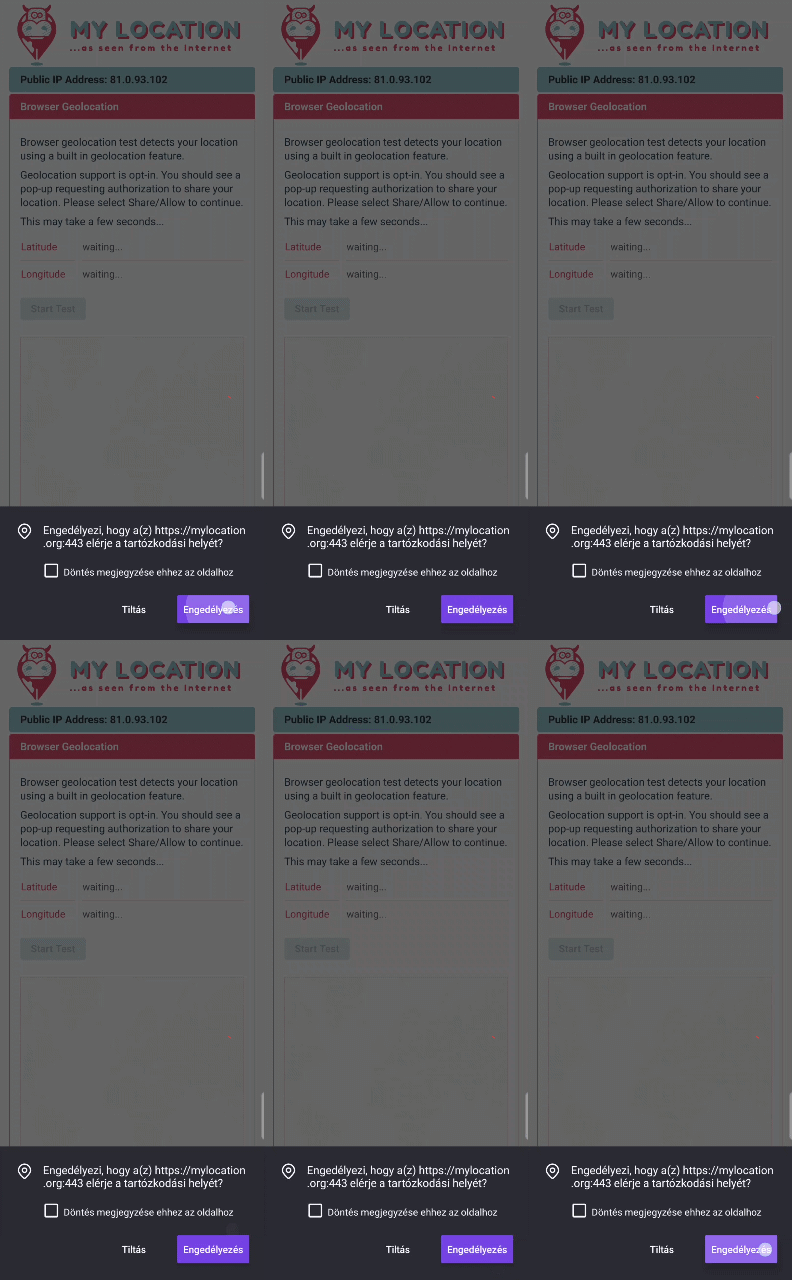
The site you linked ia broken in this manner for me, too.
As for the pi-hole - no, nothing like that. I have some extensions and Firefox’s blocking set to strict mode, but they don’t matter.
he really needs a hug
funny thing is, for some reason, it just… never came to me to just drag images from the browser and save them like that 😅, but surely sounds a logical and convenient thing to do, so I can see your frustration



This kinda reminds me of MiiVerse and how the YouTube channel on it was turned into a group RP room by kids.