

1·
19 days agoCopilot as well? I thought it was that recall thing that was part of explorer
Copilot as well? I thought it was that recall thing that was part of explorer
With only 20 of 90 VR games available I’d say I was already fucked over and I am nowhere near the end… Thank you for the suggestions on how to over come the issues I have so far
I have faith steam will continue to improve proton to the point of “it just works”. As well, any new purchases of hardware will be Linux ready.
I must say Linux HAS gotten more user friendly over the last 20/30 years, and the GUIs have gotten more stable. My first Linux distro was red hat enterprise Linux, and then I hopped around to fedora, then mandrake and mandriva, a buddy suggested slack at one point, then I found Ubuntu, and now Kubuntu, I prefer the gnome environment but kde plasma seems to work better. Wayland is also long over due.
I will keep testing and one day I will be joyous. Linux is so close, just a few more years™.
I uninstalled copilot after an update installed it, on win 10
I can tell you my issues, so far.
Logitech G13 left hand kb - no drivers, Steam VR library 20 some of 90 some games come up in steam, Microsoft intellipoint trackball, only left, right, and wheel work but cannot program the other 2 buttons, no BlueStacks - simple to use phone emulator.
Haven’t gotten any further as if VR library is not available there is no point getting rid of windows, and I really want to get rid of windows. I just don’t have the drive I used to, to fix, look up hints, tinker with my os and reinstall new ones. It has to just work. I have Kubuntu installed on a 4tb sata ssd, rtx 4070ti super, Ryzen 7 3800, 32gb ram. In the last month steam VR made some strides as setting up was as seamless as windows, but as I stated I am missing 2/3 of my VR library

Fair
As for gerrymandering: … and I haven’t heard of any efforts to get rid of it
Check out “Democracy Watch with Marc Elias” his group has been fighting for this for a while now
I have a microsoft trackball, black body red ball thumb driven, was $35 us/$99 cdn and I bought the first of 2 in 2000 it has not been supported for a long time. I saved the drivers to a usb and am still using the combined trackball today. The 1st tracball had 1 board die in it, bought the second the other board died in that one so I combined the 2 working boards and it still goes strong.
Still havent turned mine on, don’t want no surprises after a long day at work
Hardware breaks into a parody of whatever you are doing
Me - laughing and vibing

Prince Albert?

Ok, so basically as it was. I had worldguard and worldedit and many more I no longer remember hehe
Last server I hosted wasseveral years ago, forget what version, and I had set that option for the 3 people that couldn’t purchase at that time. They eventually did purchase clients and I went no cracks allowed.
Thank you
I am prolly woefully out of date, but there was an option in the java server config to allow or disallow cracked clients. Please let me know if I am out of date so I can forget this info
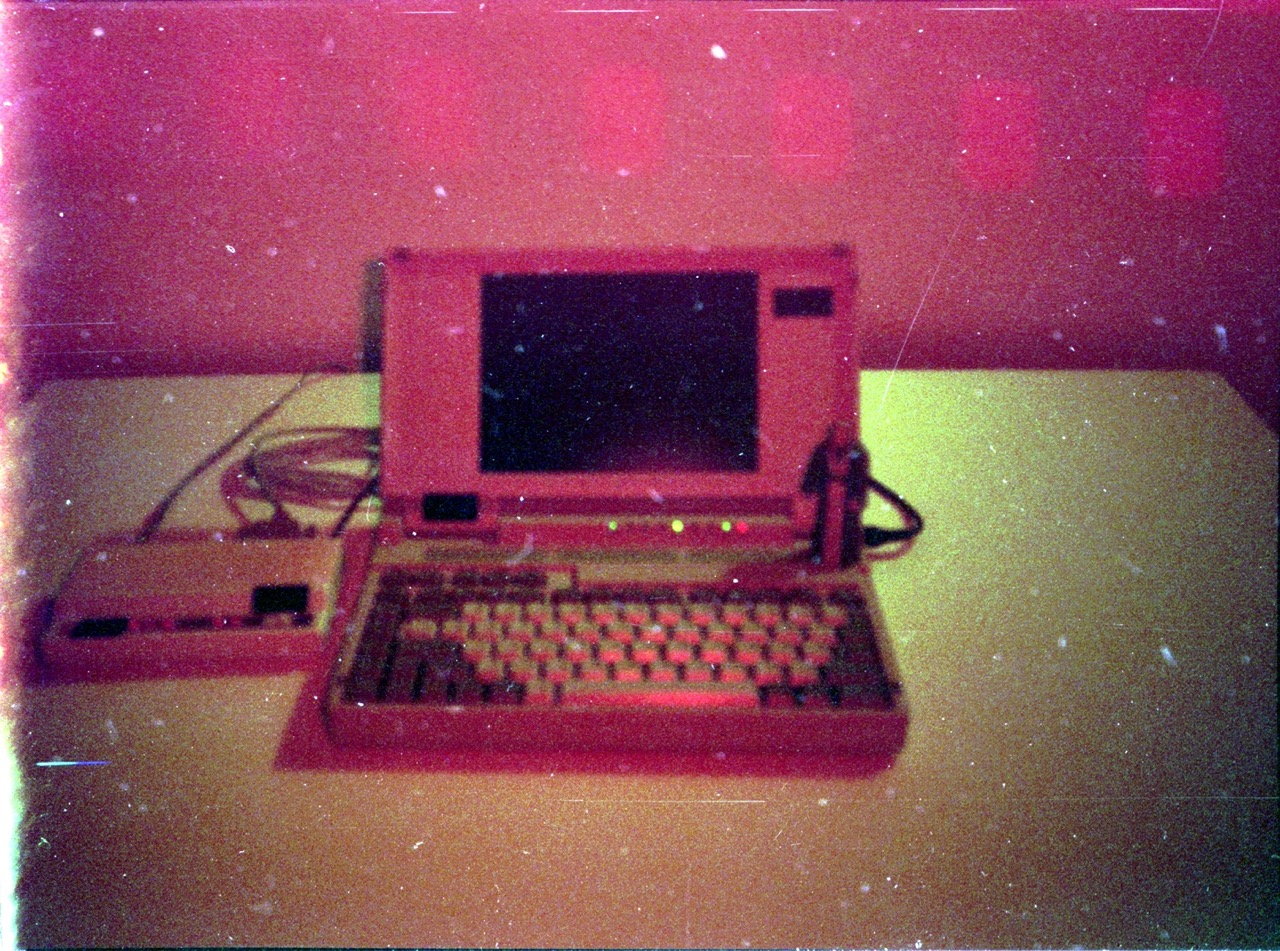
You want a space heater try an AMD K6-2, First pc I ever had to get an aftermarket heat-sink for cause it would shut down in the summer for overheating. Normal operating temp was like 80C
Should run UT2k4
It is a program I have used to make bad tutorials and bad compilations (I have no skill hehe). It was a suggestion and maybe after doing this they may go deeper into video editing/making, or not. Like I said I barely make use of all its power, op will decide what they will do
Davinci resolve will allow you to do what you wish, just don’t get intimidated by the interface, and look up the task you want on yt very straight forward and I only use 1/100th of its power
Thought I’d missed something, TY. Just give it time and they will integrate it if enough of us keep removing it